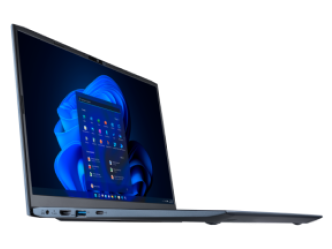
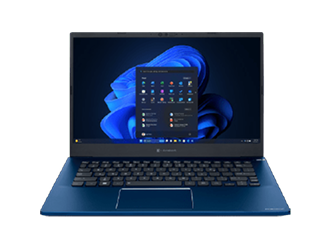
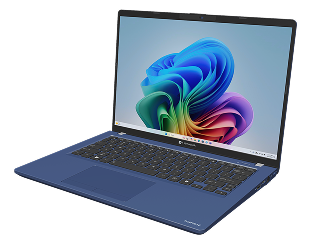
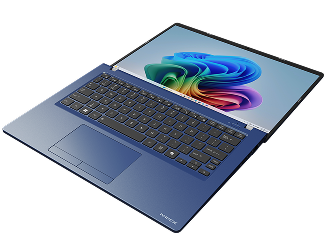
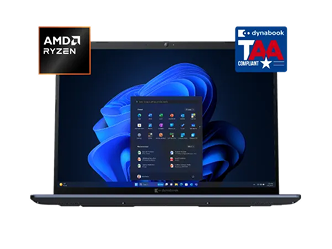
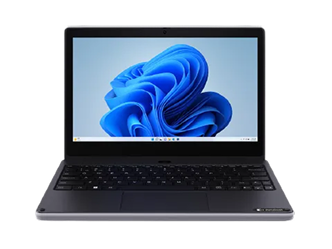
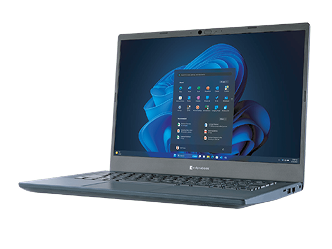
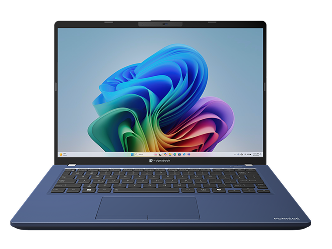
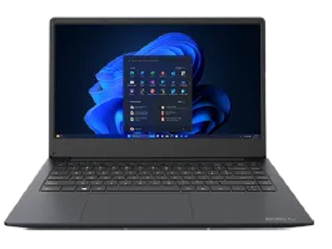
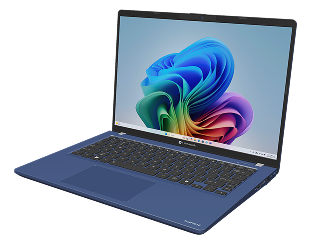
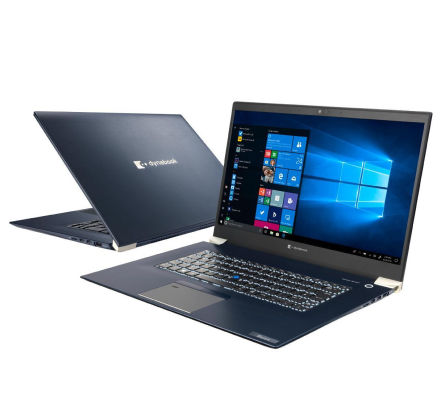
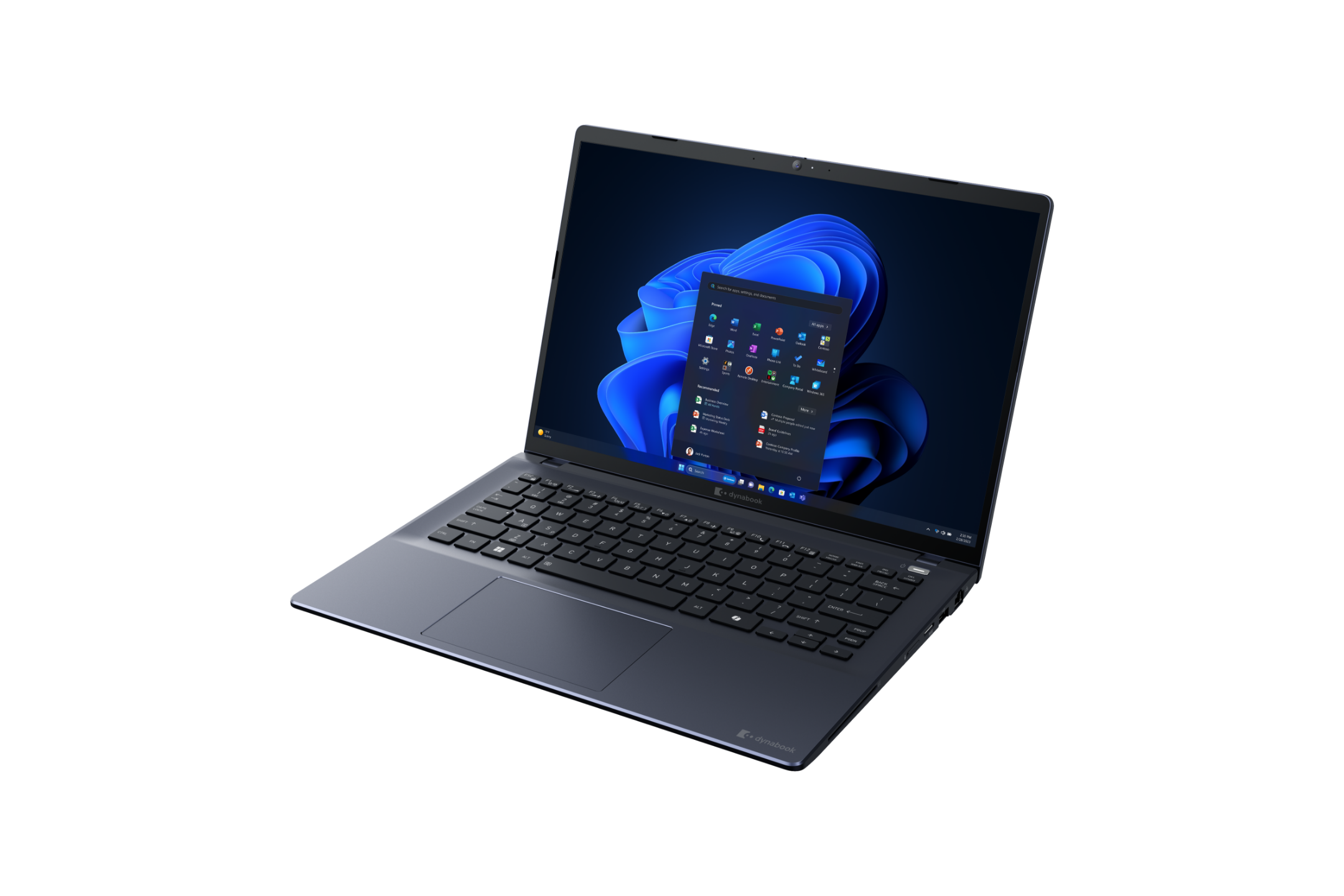
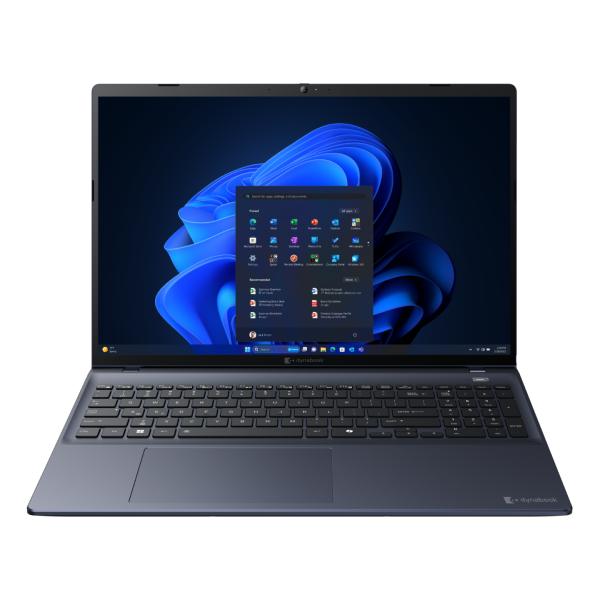
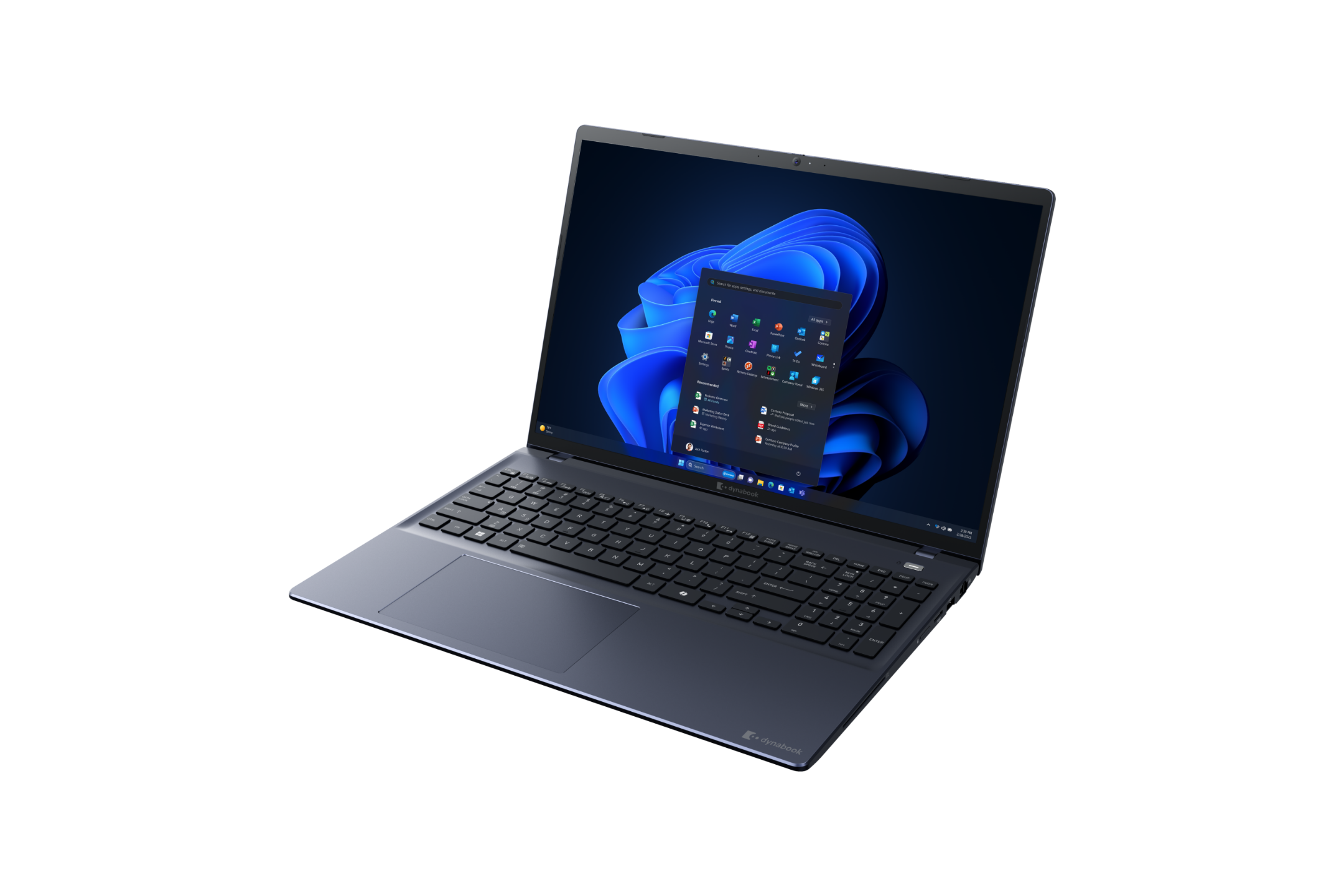
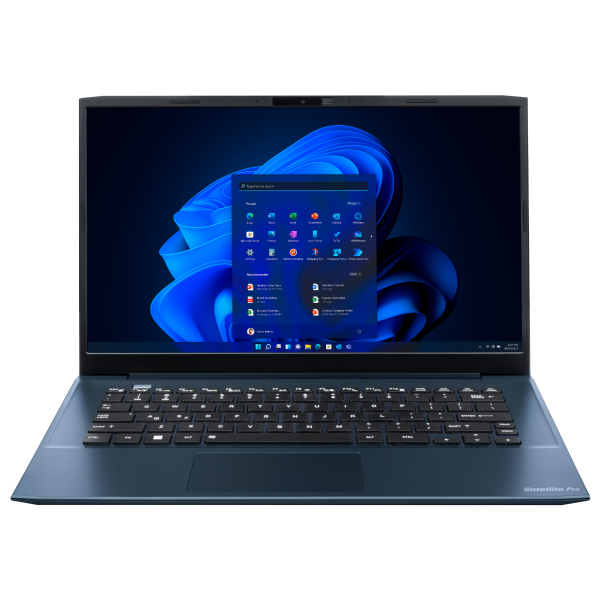
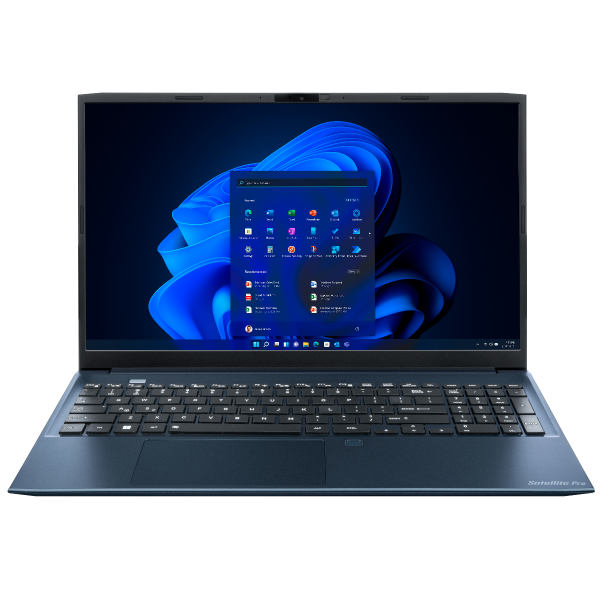
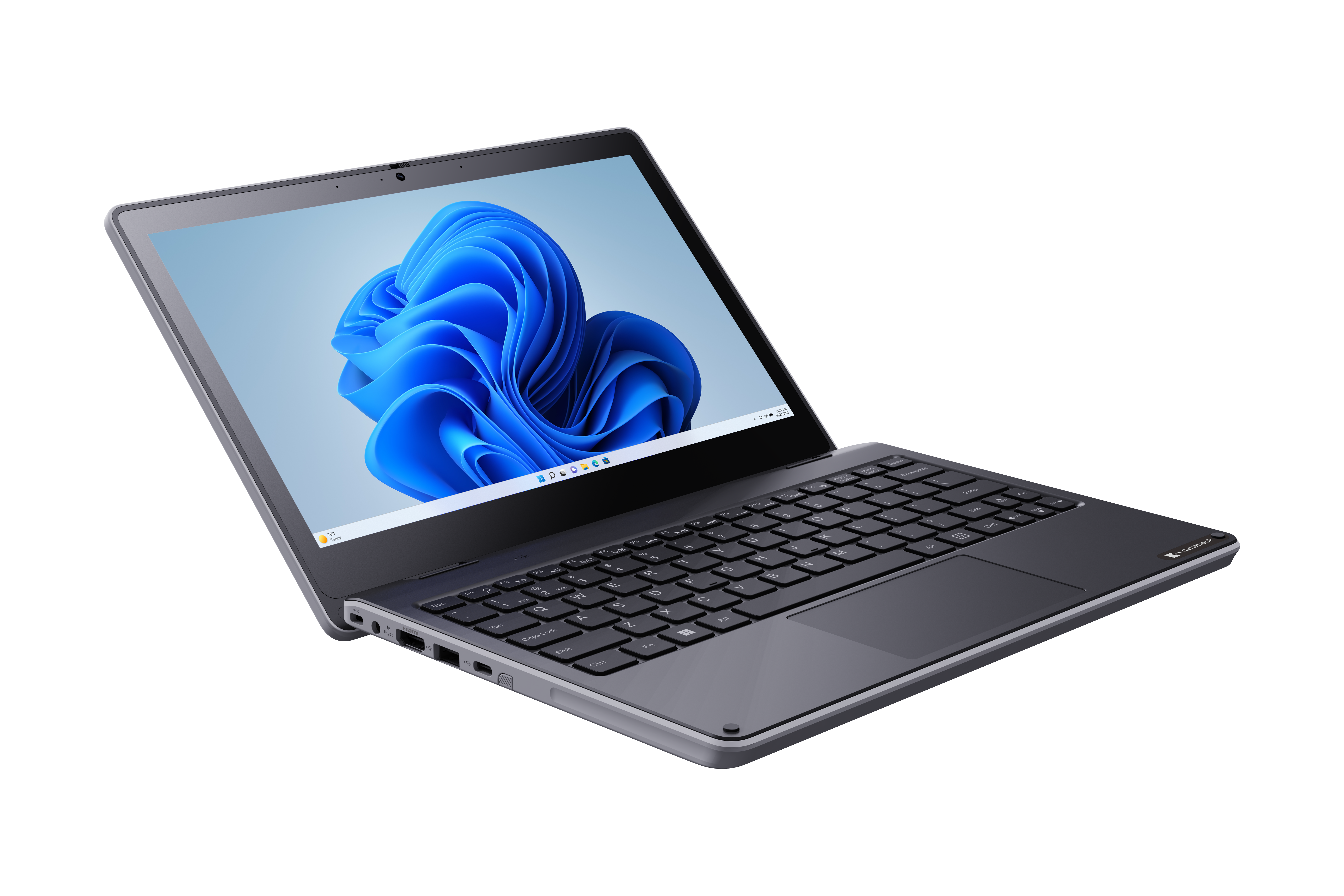
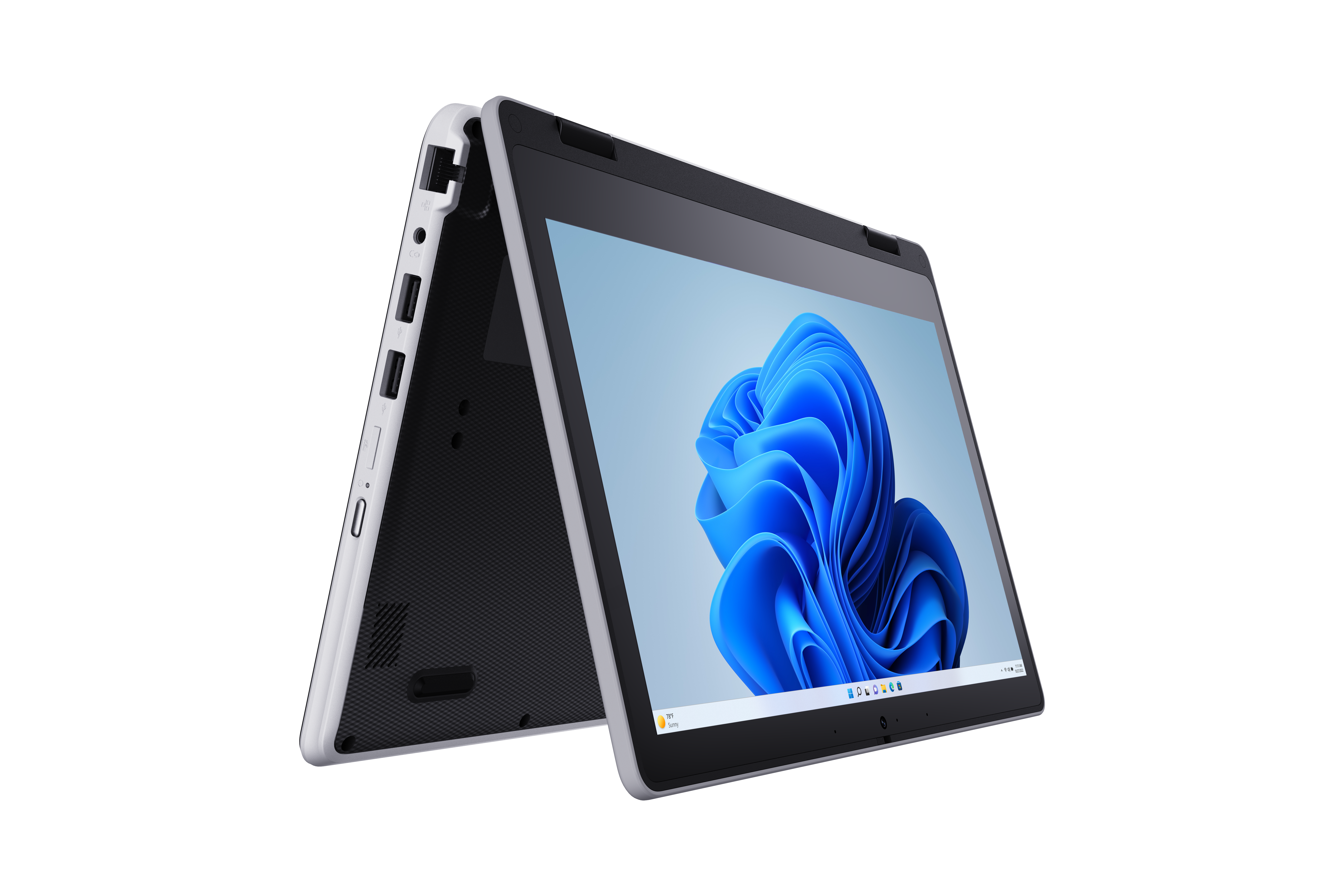
Lightweight, rugged laptops with enterprise security features—ideal for enduring the rigors of running between lecture halls.
Powerful processors ensure smooth operation of demanding software used in STEM, design, and research programs.
Cost-effective models enable large-scale deployments for computer labs, testing centers, and learning spaces.
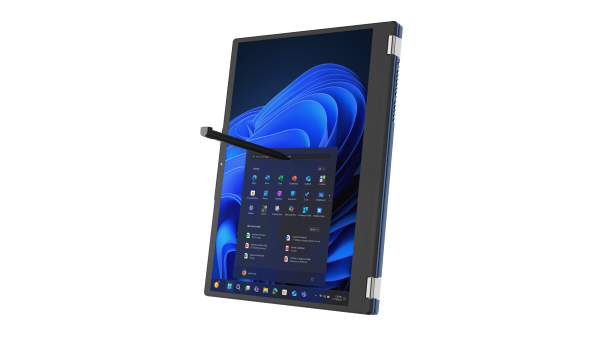
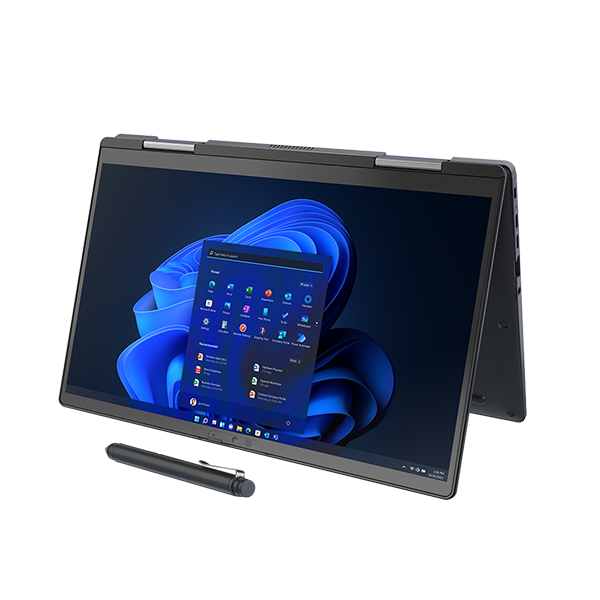
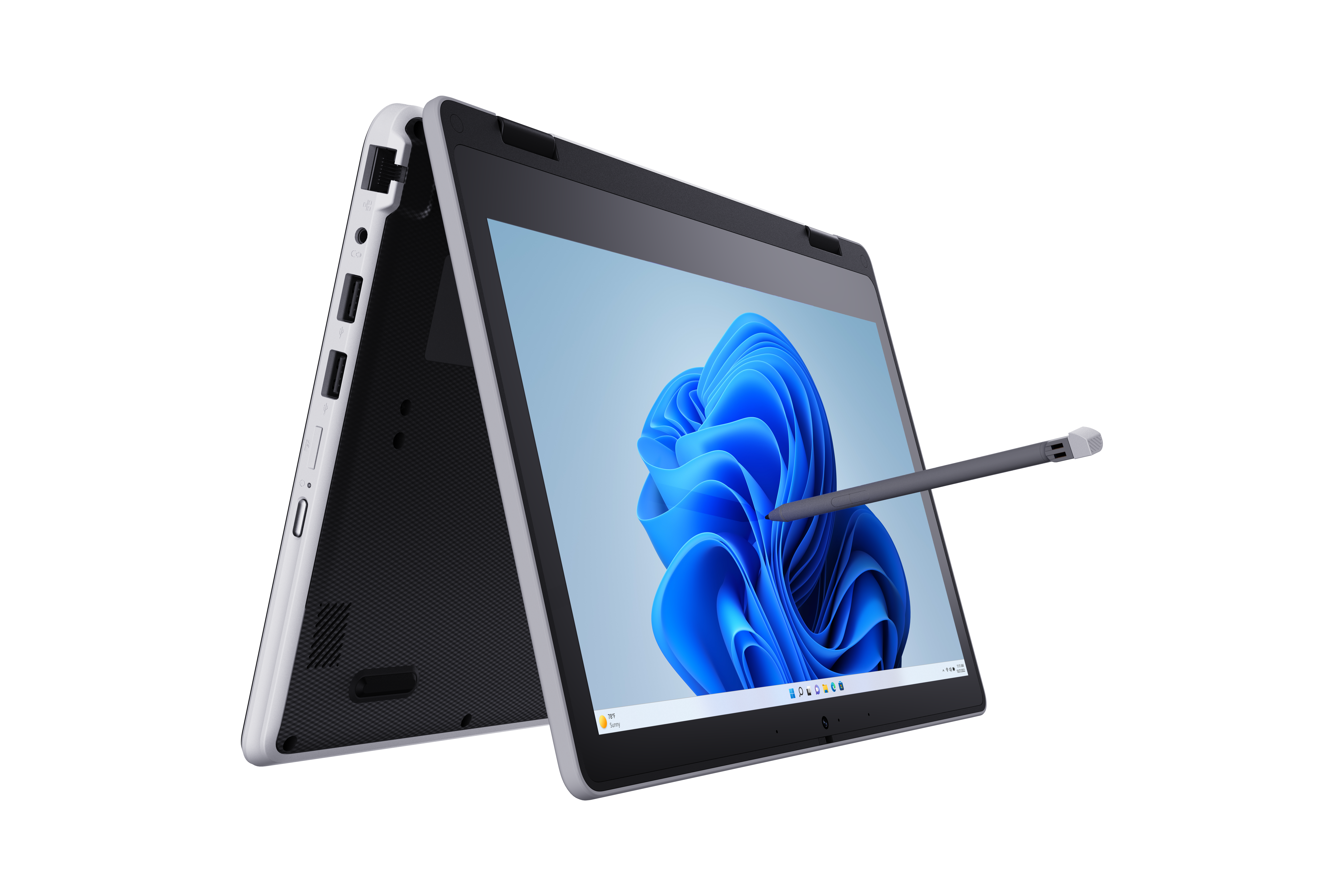
Convertible and touchscreen devices support modern teaching setups, whether mobile, inroom, or hybrid-flex.
BETTER LEARNING OUTCOMES
Microsoft provides personalized learning tools and intuitive experiences that help increase reading and language skills, ignite interest in STEM, and spark creativity.
SAVES TEACHERS TIME
Microsoft is helping teachers work more efficiently with tools to help them stay organized, easily locate and distribute content, and monitor student progress.
EASY TO MANAGE DEVICES
Microsoft offers affordable devices that are simple to set up and manage, helping educators give more students access to technology.
Windows 11 Pro Education goes beyond conventional tools, providing interactive applications that engage students in meaningful ways. Accessibility features ensure inclusivity, catering to the diverse needs of all learners.
The Windows Autopilot feature simplifies device setup, allowing educators to focus more on teaching and less on technical configurations. Microsoft Endpoint Manager provides a centralized solution for device management, streamlining administrative tasks.
The integration of Teams facilitates virtual classrooms, enabling educators to connect with students seamlessly. OneNote, another standout feature, promotes collaborative note-taking, enhancing the learning experience.
Stay tuned for the next sections of the document, where we delve into the features and benefits of Chrome OS, followed by a thorough comparison and compelling case studies. Windows 11 Pro Education emerges as the ideal choice for educators looking to create an innovative and secure digital learning environment
The versatility of Windows 11 Pro Education extends to its compatibility with a wide range of devices, providing educators with the flexibility to choose hardware that aligns with their teaching methods and students’ learning preferences. Windows 11 Pro Education supports a variety of devices, from traditional laptops to 2-in-1 devices and tablets. This flexibility ensures that educators can select devices that cater to different learning styles and activities. Windows 11 Pro Education enhances the learning experience by supporting a ton of peripherals, like interactive whiteboards and 3D printers, expanding the possibilities within the classroom.
Windows 11 Pro Education devices provide great web-first experiences and also offer comprehensive offline experiences, including full use of Microsoft Office applications and a broad set of other offline education experiences, as well as the ability for IT to secure, manage and repair with relative ease.
For example, educators can distribute homework with OneNote ClassNotebook that includes all the material embedded even videos. Students can read and watch videos offline and then type up their responses in OneNote, PowerPoint and/or Word (all of which are pre-installed). Once they reconnect at school their assignments will automatically sync to the cloud and can be turned in.
Microsoft Office, Teams, Minecraft for Education and OneNote all come preloaded on Windows 11 Pro Education, and apps like Google Chrome and Zoom can be easily downloaded. However, only administrators can download and manage other apps.
Students are unable to make any changes to the system settings, only administrators have access to do so. Furthermore, should devices disappear, school IT administrators are able to wipe the device remotely, ensuring student and school information won’t fall into the wrong hands.
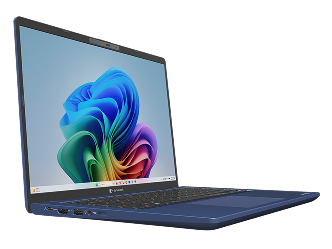
As a Microsoft Copilot+ PC, this laptop features Live Captions, Gesture Control, and Windows Studio Effects, powered by an enhanced NPU for advanced on-device AI that boosts workflow, convenience, and productivity.
Gesture-based control offers an intuitive, hands-free experience for controlling media playback, navigating presentations, and performing key functions with simple hand motions, enhancing workflow efficiency.
AI-driven power management extends battery life by dynamically adjusting power consumption to workload demands. A self-replaceable battery extends device longevity and reduces IT costs for businesses.
Provides advanced security with Peek Alert, Windows Hello, and Lock on Leave, while Adaptive Dimming and Wake on Approach enhance privacy without disrupting productivity.
- Intel® Core™ Ultra Processor (Series 2) 28W
- Windows 11 Pro
- Up to 32 GB DDR5
- Up to 2 TB SSD
- 14.0” 16:10 WUXGA Touch Screen Option Available
- Aluminum Alloy Chassis
- 5MP Webcam + IR Camera and Shutter
- Tested MIL-STD methodologies
- 2.11 lbs *

- Windows 11 Pro Education
- Intel N-Series Processors (Up to N200)
- 11.6” HD Anti-Glare Display (Touch Optional)
- Up to 16 GB LPDDR5 Memory
- Up To 256 GB Storage (eMMC / SSD)
- Intel Wi-Fi 6E
- UXGA (1600x1200) Webcam + Privacy Shutter
- Dual Beamforming Microphones
- 1x USB Type-C
- 3x USB Type-A
- HDMI Output Port
- RJ-45 Ethernet LAN Port
- microSD Slot
- Spill-Resistant Keyboard with Mechanically-Anchored Keys
- Reinforced Chassis with Rubber Bumpers
- Starting at 2.54 Pounds
- 1 Year Standard Limited Warranty

- Intel® Core™ Ultra (Series 1 and 2) H/U Processors
- Windows 11 Pro Education
- Up to 64 GB DDR5
- Up to 2 TB SSD
- 14.0” 16:10 WUXGA Display; (Touch Available)
- 5MP Webcam with Privacy Shutter
- Aluminum Alloy Chassis
- Tested MIL-STD methodologies
- Full-Size Backlit Keyboard with Copilot Key
- 3.17 lbs **
- Intel® Core™ Ultra (Series 1) H28 Processors
- Windows 11 Pro Education
- Up to 32 GB LPDDR5
- Up to 2 TB SSD
- 14.0” WUXGA Eyesafe® IPS Display
- Webcam with Privacy Shutter
- Tested MIL-STD methodologies
- Magnesium Alloy Chassis
- Full-Size Backlit Keyboard with Copilot Key
- 2.31 lbs **
- Intel® Core™ Ultra (Series 1) H28 Processors
- Windows 11 Pro Education
- Up to 32 GB LPDDR5x
- Up to 2 TB SSD
- 13.3” FHD Touch Screen
- Digital Ink Pen
- Webcam with Privacy Shutter
- Tested MIL-STD methodologies
- Mystic Blue Magnesium Alloy Chassis
- 2.16 lbs**
- Intel® Core™ Ultra (Series 1) H28 Processors
- Windows 11 Pro Education
- Up to 64 GB LPDDR5
- Up to 2 TB SSD
- 13.3” WUXGA 16:10 Display; (Touch Available)
- FHD Webcam with Privacy Shutter
- Tested MIL-STD methodologies
- Dark Blue Magnesium Alloy Chassis
- 1.88 lbs **

- Intel® Core™ Ultra (Series 1 and 2) H/U Processors
- Windows 11 Pro Education
- Up to 64 GB DDR5
- Up to 2 TB SSD
- 14.0” 16:10 WUXGA Display; (Touch Available)
- 5MP Webcam with Privacy Shutter
- Tested MIL-STD methodologies
- Full-Size Backlit Keyboard with Copilot Key
- 3.17 lbs **
- Intel® Core™ Ultra (Series 1 and 2) H/U Processors
- Windows 11 Pro Education
- Up to 64 GB DDR5
- Up to 2 TB SSD
- 16.0” 16:10 WUXGA Display; (Touch Available)
- 5MP Webcam with Privacy Shutter
- Tested MIL-STD methodologies
- Full-Size Backlit 10-Key Keyboard with Copilot Key
- 3.73 lbs **
- AMD Ryzen™ Processors
- Windows 11 Pro
- Up to 64 GB DDR5
- Up to 2 TB SSD
- 14.0” 16:10 WUXGA Display; (Touch Available)
- 5MP Webcam with Privacy Shutter
- Tested MIL-STD methodologies
- Full-Size Back-lit Keyboard with Copilot Key
- 3.17 lbs **
- AMD Ryzen™ Processors
- Windows 11 Pro Education
- Up to 64 GB DDR5
- Up to 2 TB SSD
- 16.0” 16:10 WUXGA Display; (Touch Available)
- 5MP Webcam with Privacy Shutter
- Tested MIL-STD methodologies
- Full-Size Back-lit Keyboard with Copilot Key
- 3.73 lbs **

- Intel® Core™ 3, 5 and 7 Processors (Series 1)
- Windows 11 Pro Education
- Up to 32 GB DDR4
- Up to 1 TB SSD
- 14.0” FHD
- Intel AX211 Wi-Fi 6E 802.11ax
- Webcam with Privacy Shutter
- Premium Raised-Tile, Spill-Resistant Keyboard
- Anti-Microbial Paint Coating
- 3.06 lbs**
- Intel® Core™ 3, 5 and 7 Processors (Series 1)
- Windows 11 Pro Education
- Up to 32 GB DDR4
- Up to 1 TB SSD
- 15.6” FHD
- Intel AX211 Wi-Fi 6E 802.11ax
- Webcam with Privacy Shutter
- Premium Raised-Tile, Spill-Resistant Keyboard with 10-key
- Anti-Microbial Paint Coating
- 3.40 lbs**
For nearly four decades, Dynabook has engineered, designed, and manufactured laptops that maximize performance and minimize downtime. During the last 24-months1, the Average Monthly Field Failure Rate for U.S. spec Dynabook laptops is less than one percent based on warranty claim data.2 We call this the Dynabook Difference - offering customers peace of mind that their laptops will work without worry.

** Weight may vary depending on product configuration, vendor components, manufacturing variability and options selected.
© 2026 Dynabook Americas, Inc. While Dynabook has made every effort at the time of publication to ensure the accuracy of the information provided herein, product specifications, configurations, prices, system/component/options availability are all subject to change without notice. Dynabook, the Dynabook logo and +Care Service are trademarks or service marks of Dynabook Americas, Inc. and/or Dynabook, Inc. All other products and names are the property of their respective owners. All rights reserved.